Blocks known addresses and domains
Connections to and from addresses in the threat data are stopped immediately. That covers outbound traffic from the machine as well as inbound attempts against it.
Version 4.0 is built from the ground up around a kernel driver signed by Microsoft. It sees traffic where it passes through the operating system and can stop it before the connection is established.
Connections to and from addresses in the threat data are stopped immediately. That covers outbound traffic from the machine as well as inbound attempts against it.
Repeated failed login attempts against RDP and other exposed services are recognised as a pattern, and the address behind them is blocked.
Everything blocked is recorded with address, event type and time, and sent to the panel where you can read the list.
Protection can be started and stopped per device from the panel. You do not need to sit at the machine to make a change.
Block lists holding millions of addresses, networks and domains fit in a few megabytes. On a gigabit network there is no measurable performance loss.
Built for Windows 10 in both 32-bit and 64-bit editions, and for Windows 11. The same protection whichever one you run.
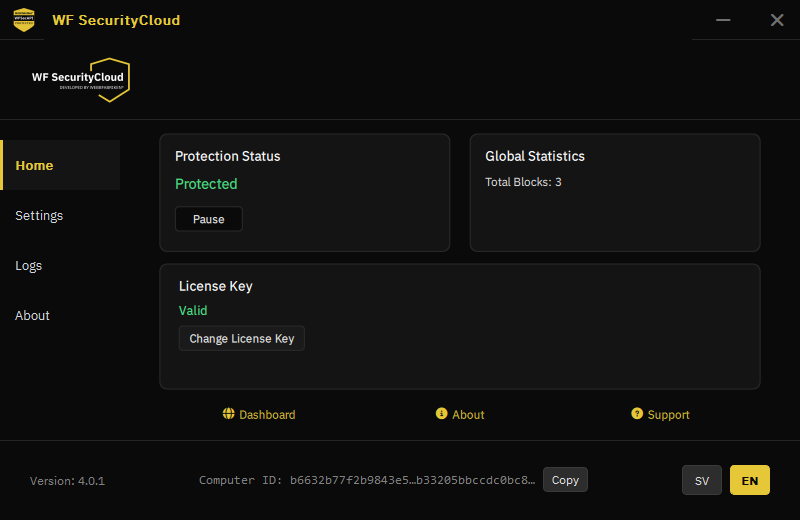
The interface is deliberately small. Most things are handled from the customer panel, and what needs to be on the machine is protection status, licence key and the log.
A program running as an ordinary application sees traffic late, after the operating system has already handled it. A driver in the kernel sees it earlier, and can abort the connection before it gets going.
The driver being signed by Microsoft means it has passed Microsoft's review and certification for kernel code. Windows loads it without requiring you to turn off security features, and it works with Secure Boot enabled.
Knowing where the protection ends matters as much as knowing where it begins.
Register in the customer panel and add the licences you need.
The file is downloaded from the panel while logged in, so that it is tied to your licence.
Run the installer on the machine and activate with your licence key. The device appears in the panel.
The installation file for Windows client 4.0 is fetched from the customer panel after logging in. That ties the download to the right licence and ensures you always get the version that applies to your account.
Create an account, add a licence and get the installation file.